
Randomization System
The core system behind Rogue Point’s level population and randomisation. Designed to balance unpredictability with strong player direction, while enabling rapid designer iteration.
- Role: Programmer
- Discipline: Code (Systems)
- Engine: Unreal

I built Rogue Point’s foundational system for how levels are populated and structured. The result was the Randomization System: a suite of actor classes and tools that allow designers to build complex, reusable layouts in a quick and consistent way. It enabled us to create (at the time of writing) 55 distinct layouts from just 4 levels.
Rogue Point’s rogue-lite focus on randomisation was at odds with Crowbar Collective’s strength in linear, directed level design. Combined with our limited bandwidth for building new levels, we needed a way to extract more value from the content we had.
Level Layouts
This led to me creating this “top-down” modular approach, where designers define Level Layouts: curated arrangements of areas that are randomised within controlled constraints. This allows each playthrough to feel different, while still maintaining clear direction and pacing. The system’s modularity avoided repetitive and tedious setup for designers, and enabled fast creation and iteration.
At runtime, the system selects a valid Level Layout based on the current map and difficulty, then applies designer-defined parameters to populate and configure it.
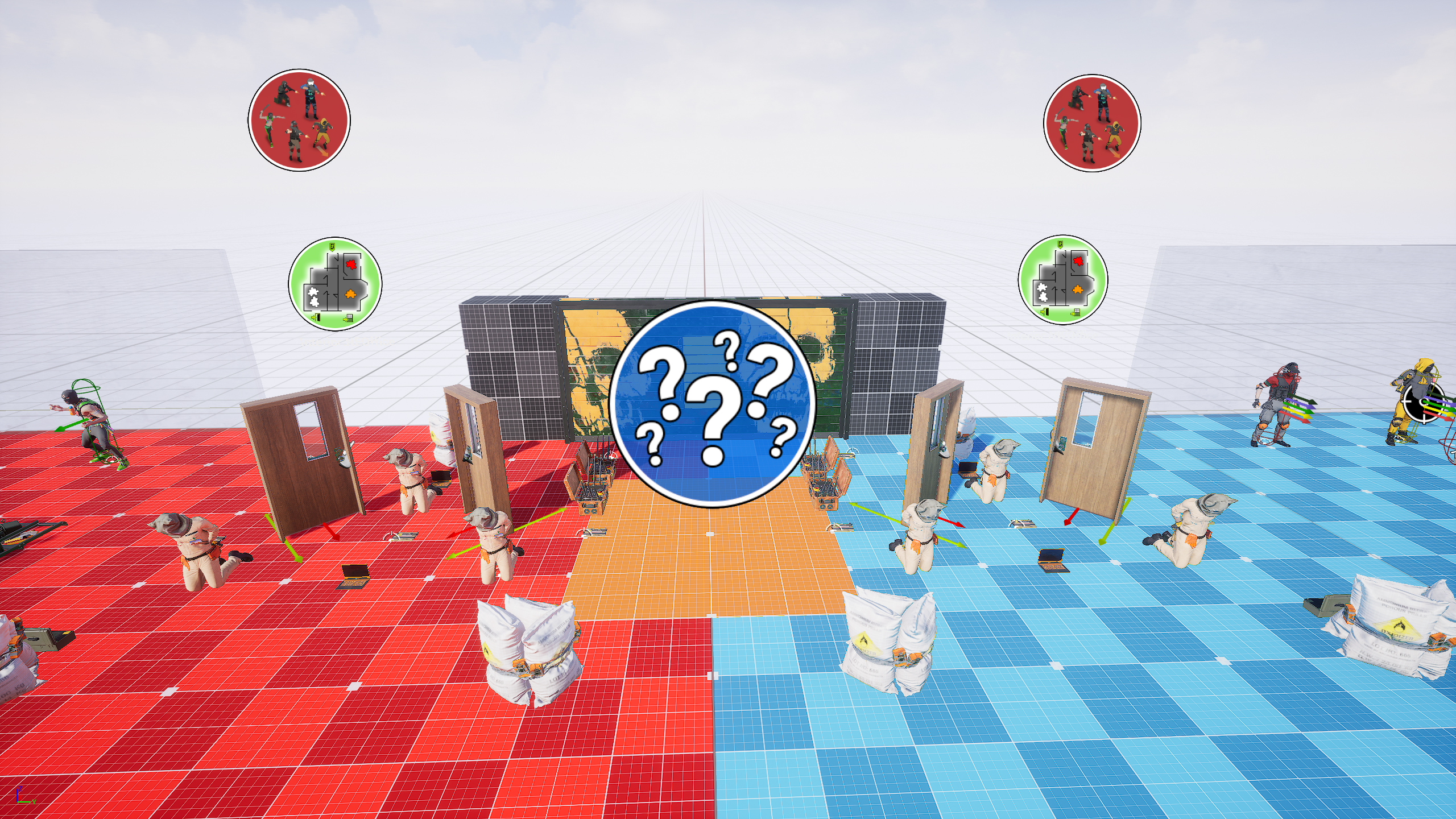
Area Managers
Levels are divided into smaller areas using Area Manager actors. Each Area Manager is assigned a gameplay tag, which acts as its unique identifier.
Designers can then place relevant gameplay actors: enemy spawners, objectives, doors, blockers, and assign them to their Area Manager simply by matching tags. This means each area only needs to be set up once, and can then be reused across multiple layouts.
Within a Level Layout, designers can then specify how these areas are used, such as: defining possible spawn areas, objective areas, or enemy areas. The system handles the underlying logic of setting up each specified area, removing the need for bespoke setup.
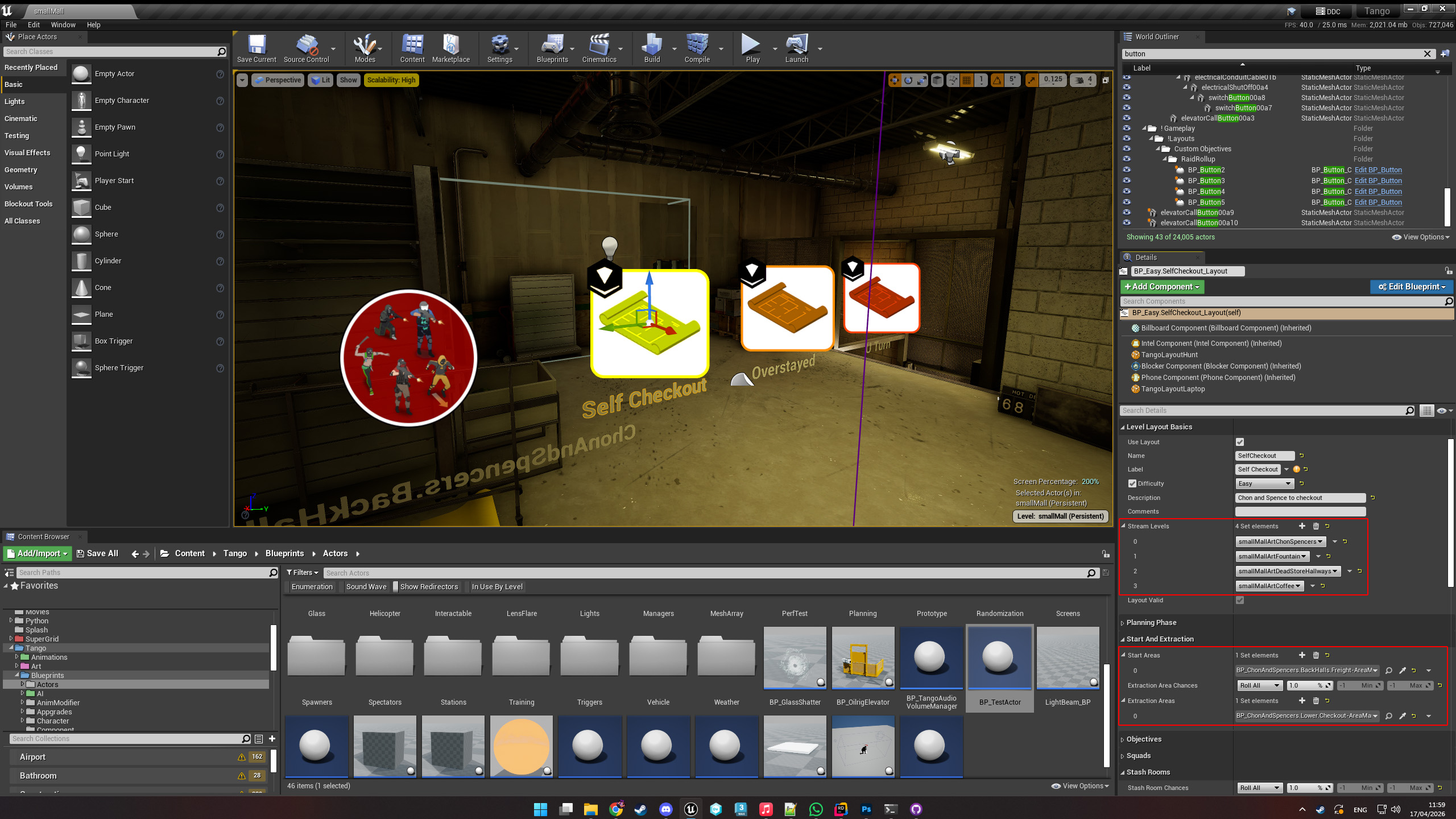
Building a Layout
A typical workflow for designers looks like this:
- Define areas and create gameplay tags
- Place Area Managers and assign them their tags
- Populate areas with gameplay actors and tag them accordingly to register with an area
- Create a Level Layout and define its properties
- Specify how the layout uses its areas (spawn, objectives, enemies, etc.)
- Iterate, test and refine the layout
Once areas are set up, creating new layouts becomes quick and lightweight, requiring only steps 4–6.
As development progressed, I expanded the system further with the introduction of different Level Layout Types. This reinforced the system as a core pillar of Rogue Point’s design and pushed its flexibility even further.